Sound: Make the rhythm deliberate
Viewers will forgive a slightly noisy camera ISO or a handheld horizon wobble, but they immediately scroll away from a clip with harsh, competing audio. In short-form editing, sound performs two distinct jobs at once: the voiceover or natural sound carries the literal meaning, while the music bed and sound effects regulate emotional pace.
When a clip's rhythm feels muddy, it is almost always because the editor laid a music track at a single static volume from start to finish, or cut every single shot on the downbeat like a metronome.
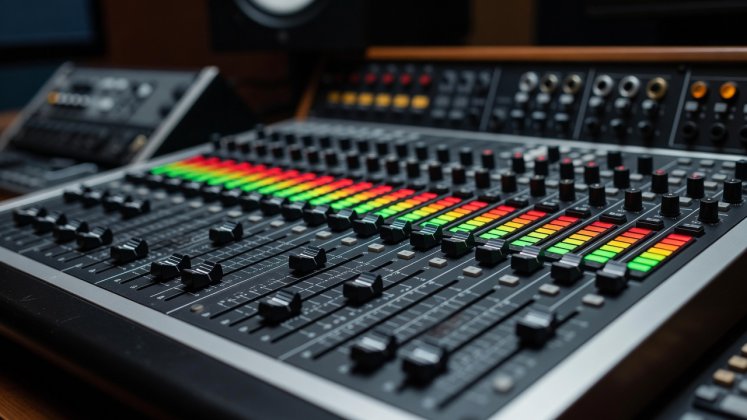
1. When to cut on the beat—and when to ignore it
Visible problem in the clip: Every B-roll shot changes on the exact 1-2-3-4 drum beat, making a tutorial feel like a mechanical slideshow, or worse, cutting off a visual action before the viewer registers what happened.
The priority rule: Dialogue rhythm always outranks musical rhythm. If someone is speaking on camera or in voiceover, cut visuals to punctuate key nouns, verbs, and physical steps. Reserve strict beat-synced cutting for two specific moments:
- Montage breathers (3 to 5 seconds): When the speaker pauses to let a quick sequence of three or four process shots play out, snap those cuts directly to the snare or kick drum transients.
- Structural transitions: Align the musical downbeat or bass drop with the transition from the opening hook into the main body, or with the final reveal shot.
2. Reading waveforms for frame-accurate sync
Do not rely on tapping the marker key (`M`) during real-time playback alone; human reaction time typically places markers two to four frames late. After rough-marking a track, zoom in horizontally on your timeline and expand the audio track height until individual waveform transients look like steep mountain peaks.
Place your visual cut on the leading edge (the base of the upward slope) of the percussion transient, not the rounded crest. Because the human brain processes sound slightly faster than complex visual scenes, cutting one frame before or right on the leading edge of the transient makes the image and beat feel locked together.
3. Back-timing music so the ending sounds composed
Nothing announces an amateur edit louder than a music track that simply chops off mid-bar or fades out awkwardly at the end of a 28-second video. Instead of dragging a song onto the timeline starting at `00:00:00:00`, use back-timing:
-
Align the final chord with your last visual beat
Find the natural ending hit of the music track (or a clean cymbal ring-out) and place it on the timeline exactly where your final payoff shot lands.
-
Roll the music backward toward the opening
Drag the left edge of the music clip back toward the start of your sequence, then find a matching downbeat near your opening hook.
-
Splice on a matching downbeat under speech
Slice out the excess middle bars of the song on an exact snare hit, hiding the 2-frame audio crossfade underneath a loud spoken syllable or natural sound effect (like a tool click or door shut).
4. Dialogue clarity, room tone, and loudness targets
When ripple-trimming tight gaps out of a voiceover, completely muting the space between words creates an unnatural "vacuum pumping" effect where background room noise drops to digital zero (`-∞ dB`) between phrases. Always harvest two seconds of clean room tone from the recording location and lay it softly on an underlying track with 2-frame constant-power crossfades across dialogue edits.
| Audio Element | Recommended Peak Meter Range | EQ / Mixing Action |
|---|---|---|
| Primary Voice / Dialogue | -6 dB to -3 dB (True Peak max -1 dBTP) | High-pass filter at 80–100 Hz to remove desk rumble; gentle compression (3:1 ratio). |
| Natural Foley / Action SFX | -12 dB to -8 dB | Keep crisp transients on tool clicks, paper rustles, or footsteps to ground the image. |
| Music Bed (Under Speech) | -24 dB to -18 dB | Carve a subtle -3 dB dip around 1.5 kHz–3 kHz so music guitars/synths don't mask vocal consonants. |
| Music Bed (Solo Montage) | -12 dB to -8 dB | Ramp volume keyframes over 10–15 frames rather than instant vertical steps. |
Fit the visual frame and make every caption effortless to read
With pacing, hooks, and audio locked, prepare your sequence for vertical screens and silent-feed readers.